

Equipment requests that follow your org chart.
Employees request laptops, monitors, phones and other equipment. Their manager in SAP SuccessFactors approves, the asset team assigns from inventory, and returns are tracked, including when people leave.
How it works
From request to return in four steps.
- 01
Request
An employee picks what they need, such as a laptop, monitor or headset, and says why. They can cancel a request while it is open.
- 02
Approve
The request goes to the employee's manager in SAP SuccessFactors, or to the manager's delegate during a delegation. A Sys Admin is the fallback when the manager is missing or inactive. Rejections need a comment, and nobody approves their own request.
- 03
Assign
Approved requests land in the asset team's fulfillment queue, where they pick an available asset of the right category.
- 04
Return
When the asset comes back, the team checks it in with its condition. It goes back to stock or to repair, and the assignment history keeps the record.
Screens
One app for employees, managers and the asset team.
Each person sees only the menus their role allows.
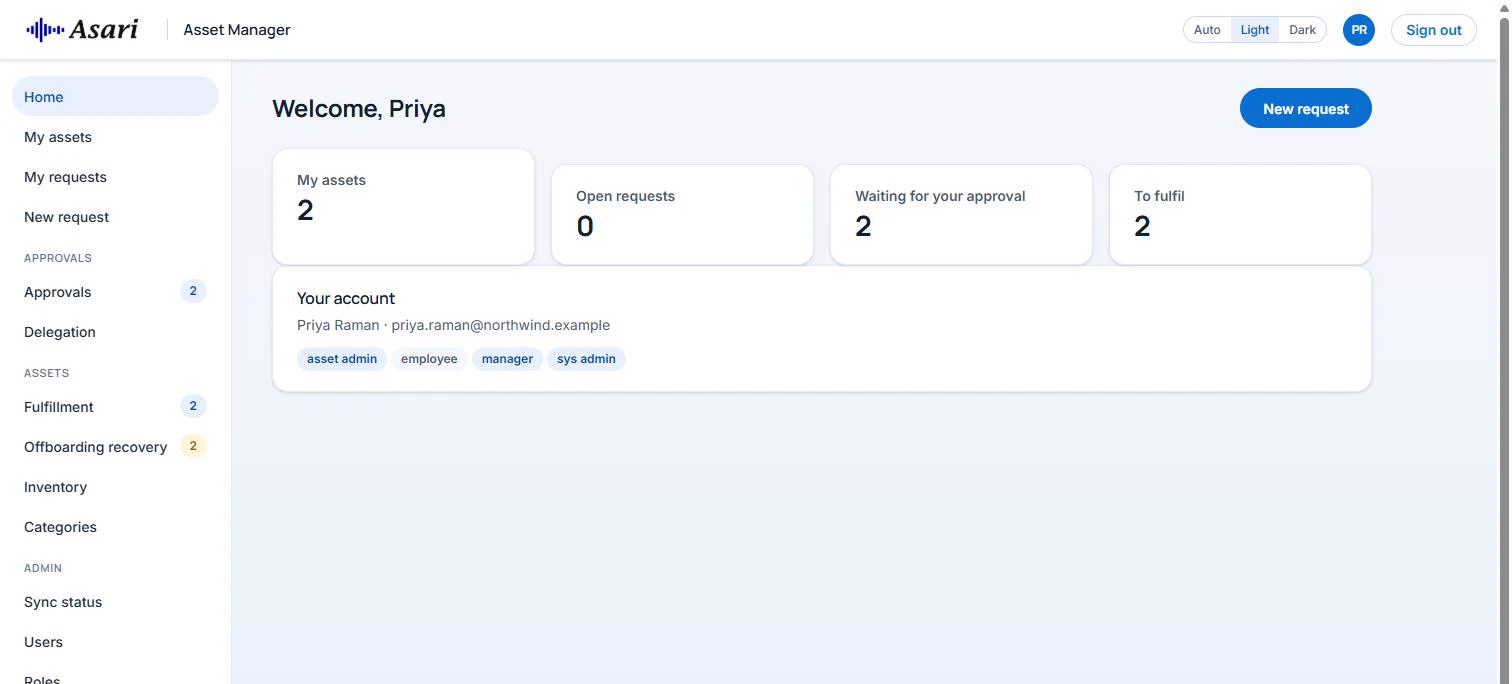
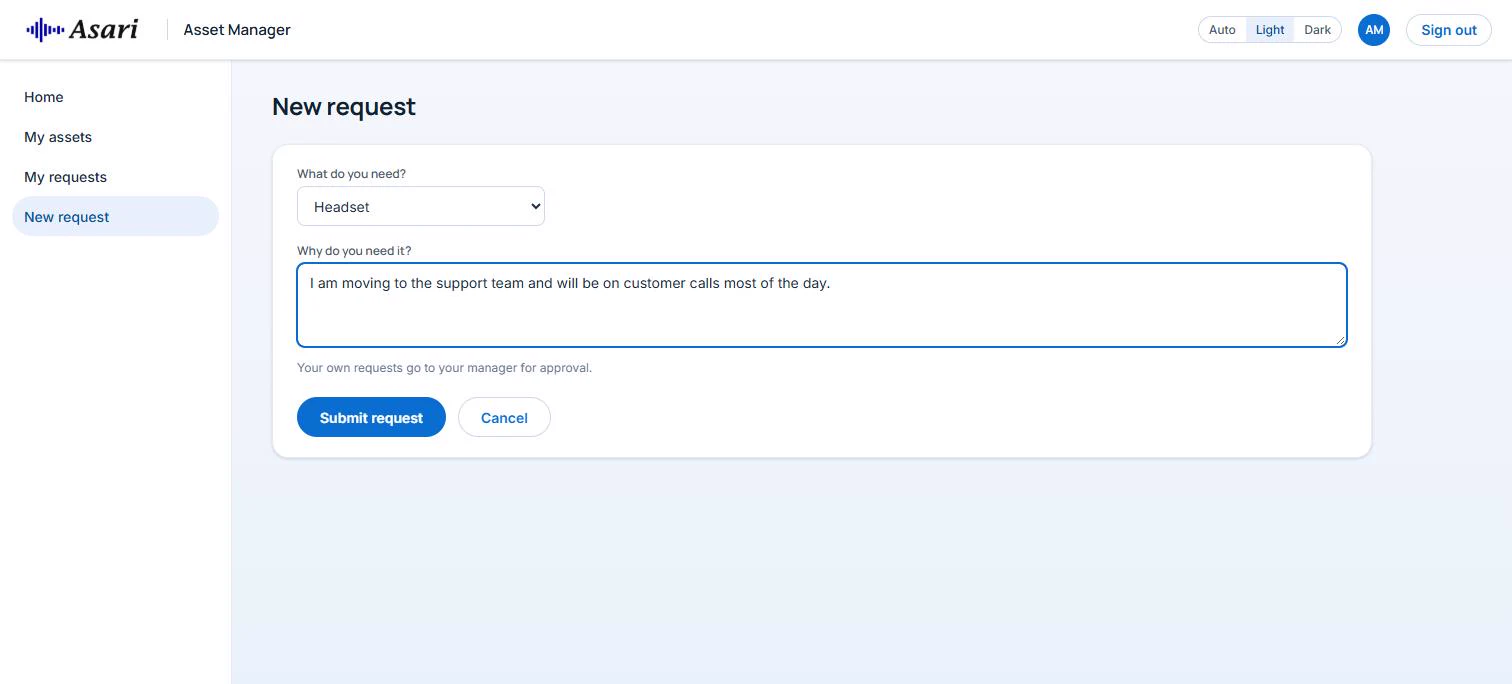
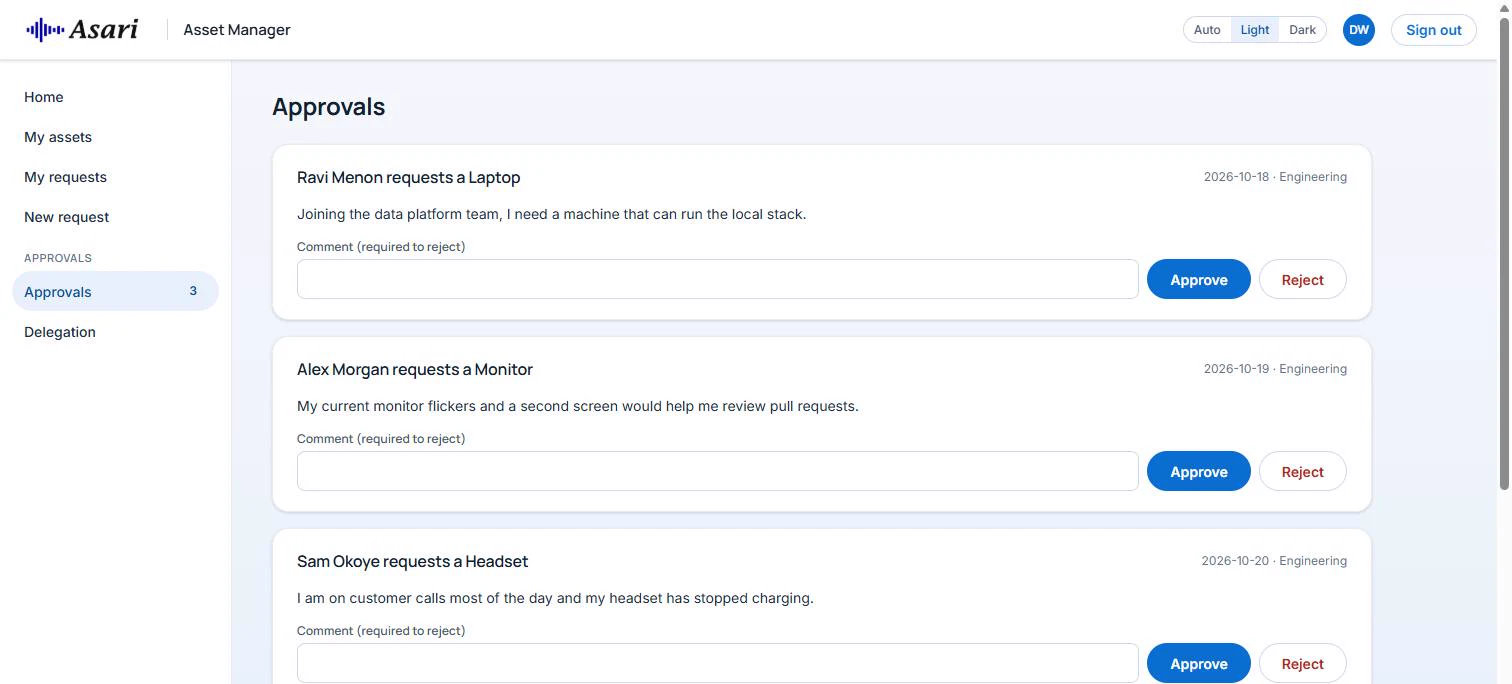
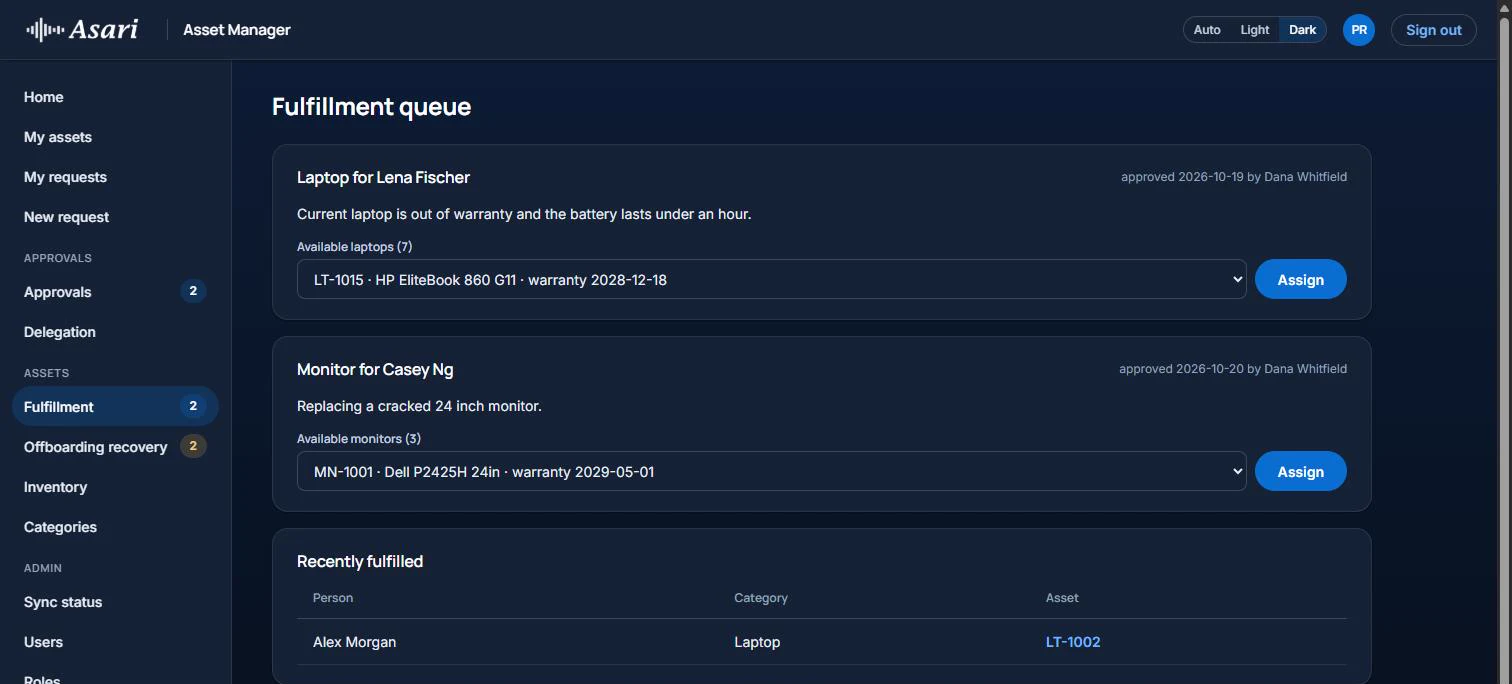
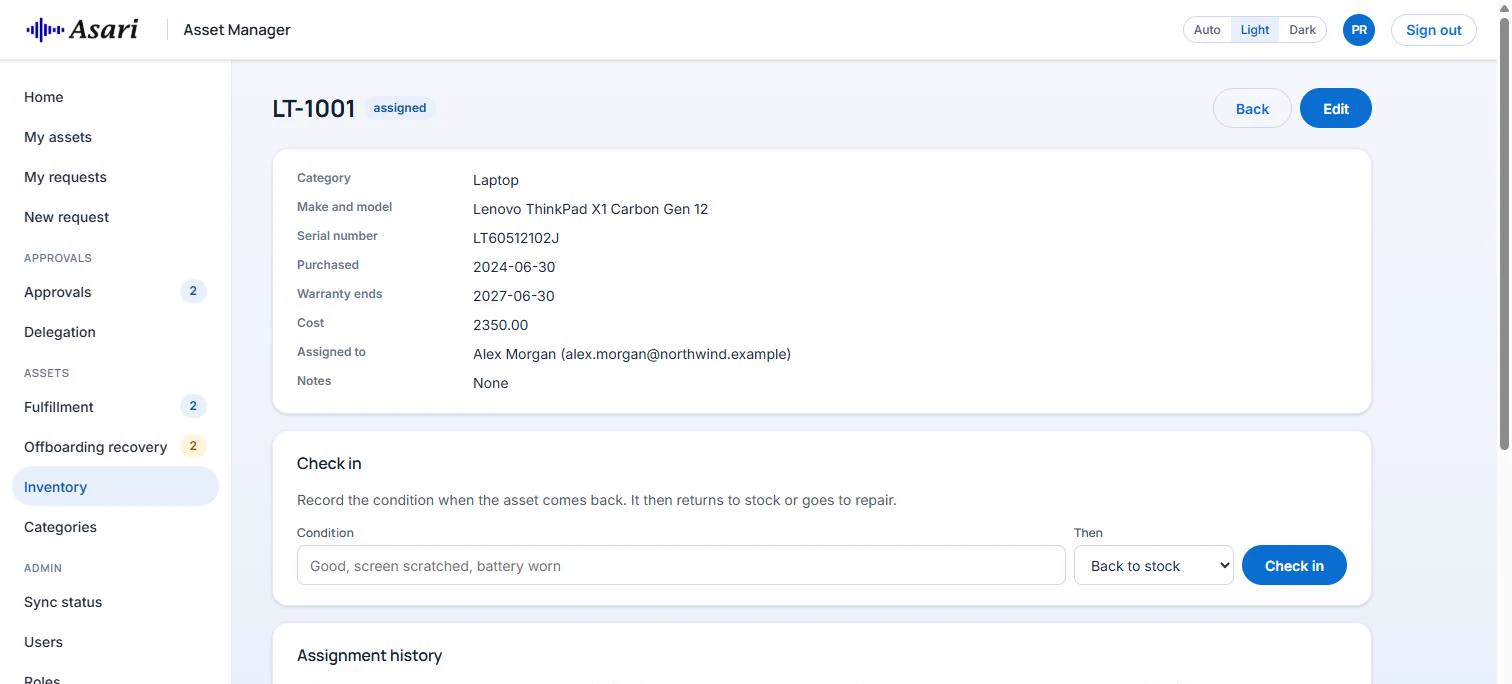
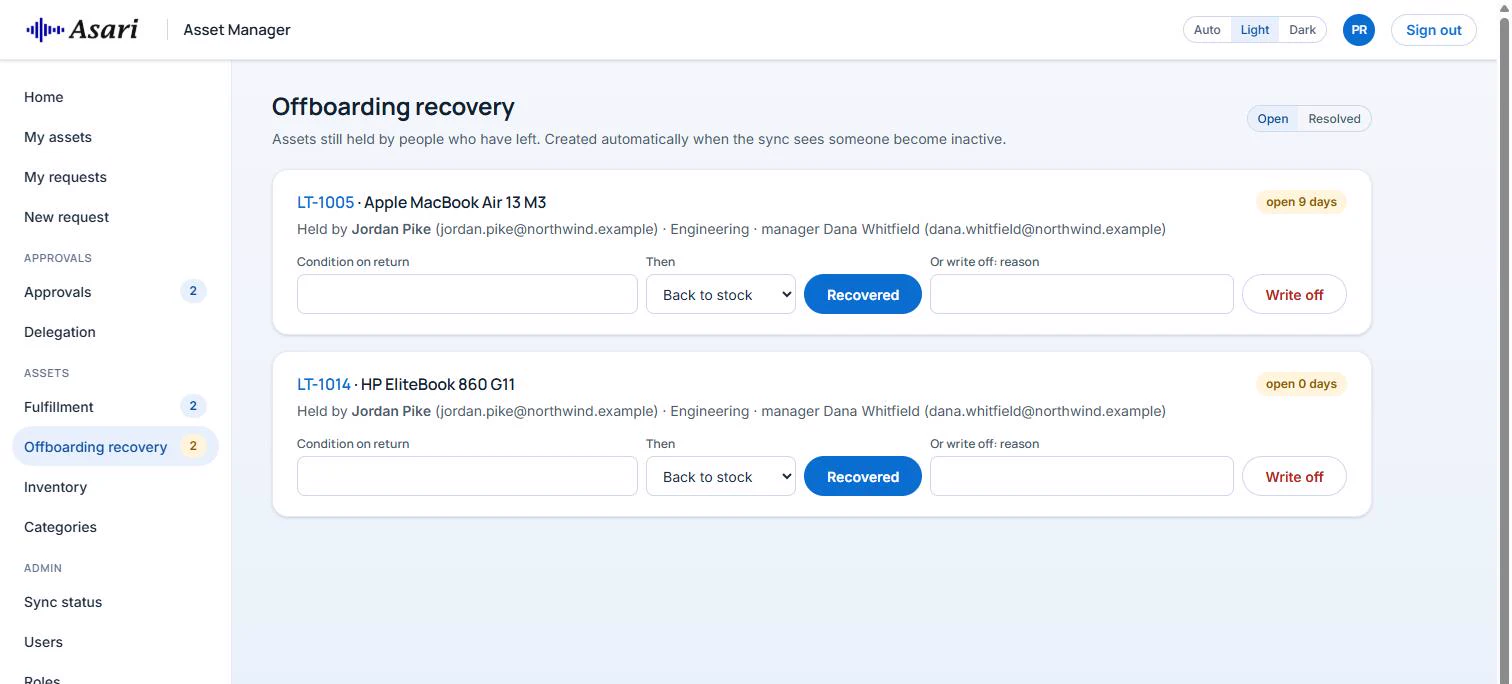
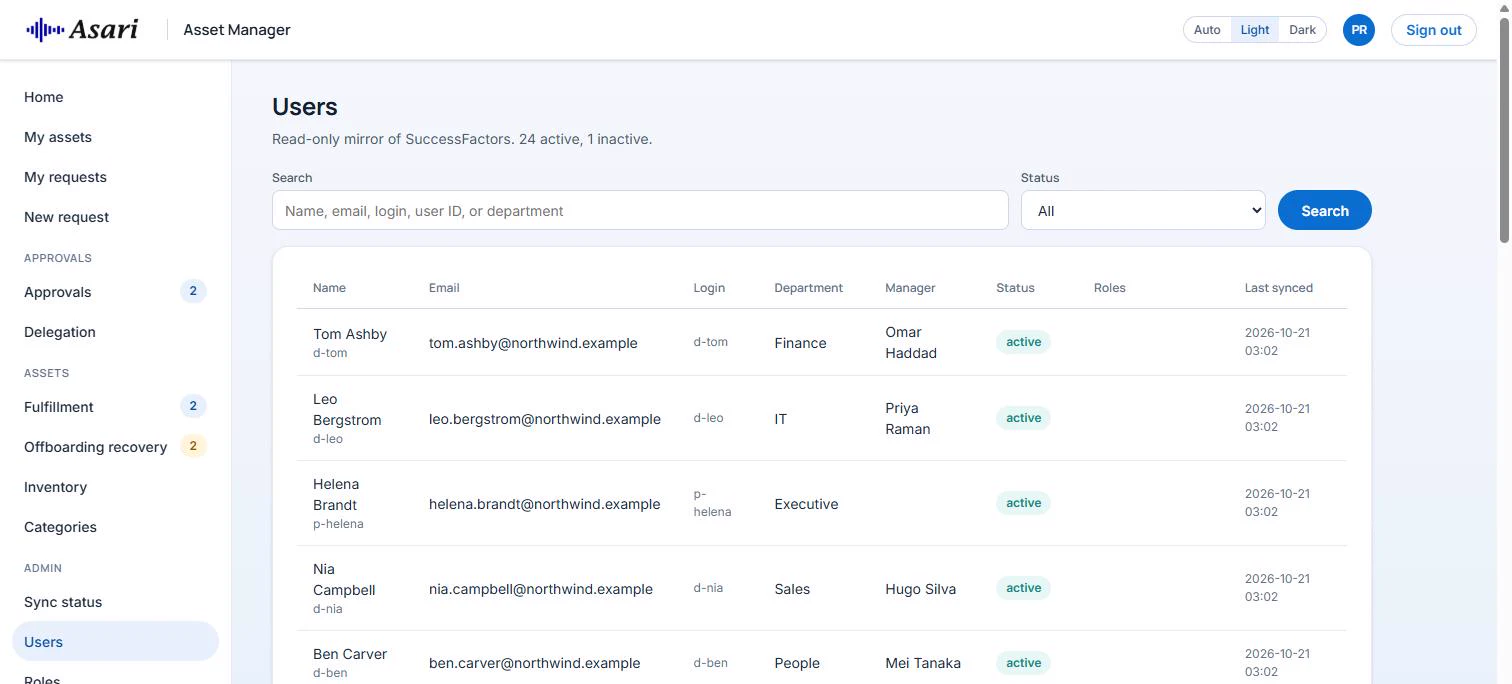
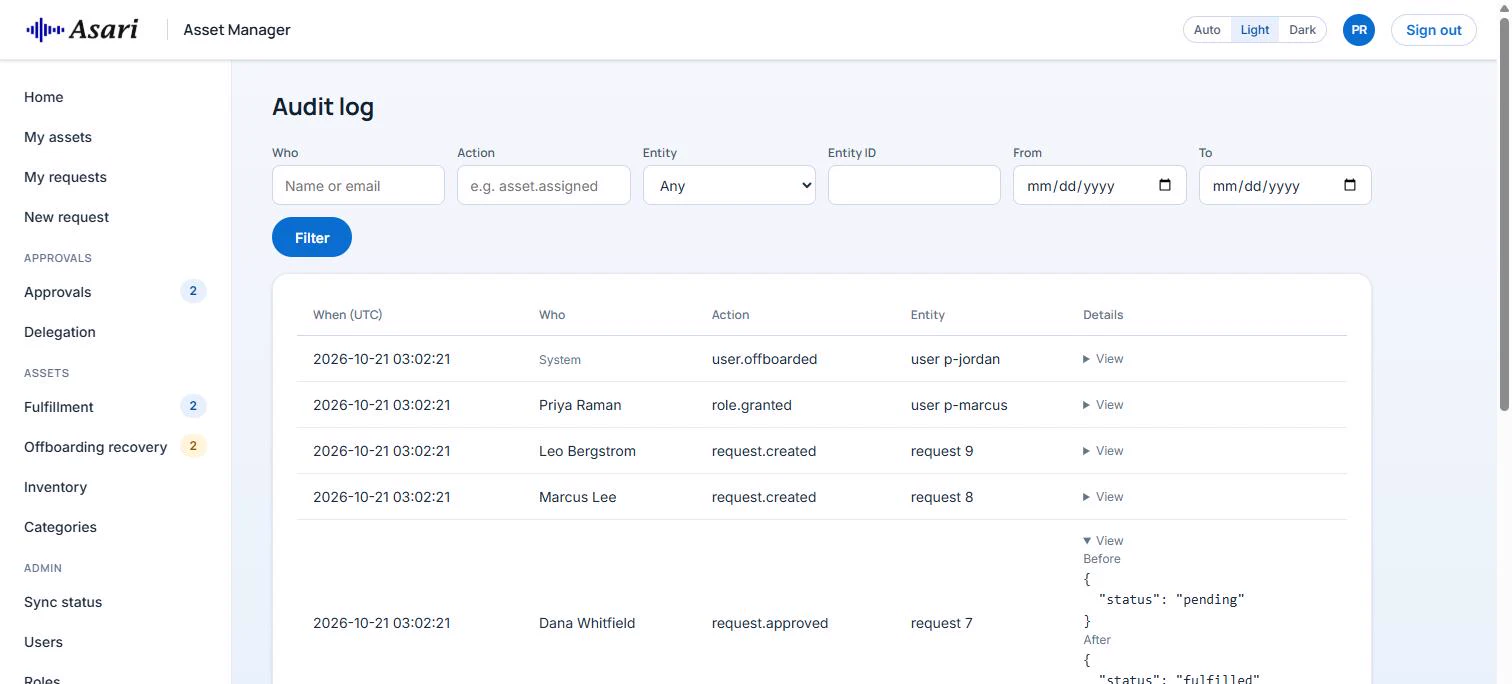
Screens show sample data with fictional people.
Built for SAP SuccessFactors
Your people and your login, straight from SAP.
People from SAP SuccessFactors
Employees, managers and departments sync from SAP SuccessFactors through OData every four hours. The user list is read-only in the app.
Sign-in with SAP Cloud Identity Services
Users sign in through SAP Cloud Identity Services (IAS) with OpenID Connect and PKCE.
Leavers handled for you
When the sync sees someone become inactive, it opens a recovery task for each asset they hold, cancels their open requests and reassigns approvals waiting on them.
What is included
What your teams get.
- My assets
- My requests, with cancel while open
- New request with a justification
- Approvals inbox with a badge count
- Delegation to a stand-in approver
- Requests for a direct report need no approval
- Inventory with search and filters: category, status, warranty expiring
- Add, edit, status changes and categories
- Fulfillment queue, assign and check in
- Offboarding recovery: recover or write off
- Sync status and Sync now
- Read-only users from SAP SuccessFactors
- Role assignment and a fallback approver
- Full audit log with before and after values
- Server-side role check on every page
- CSRF protection and secure session cookies
- Audit trail of every change
- Server-rendered Python (FastAPI) and PostgreSQL
- Runs in Docker
- Light and dark theme in the Asari design system
See Asari Asset Manager in action.
Tell us how your teams request and return equipment today, and we will show you how Asset Manager handles it.
SAP, SAP SuccessFactors and SAP Cloud Identity Services are trademarks or registered trademarks of SAP SE or its affiliates. Asari Asset Manager is built by Asari Technologies and is not an SAP product.